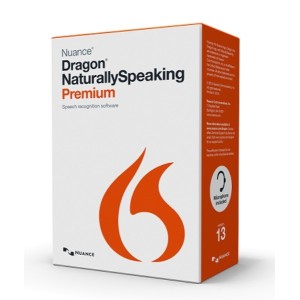
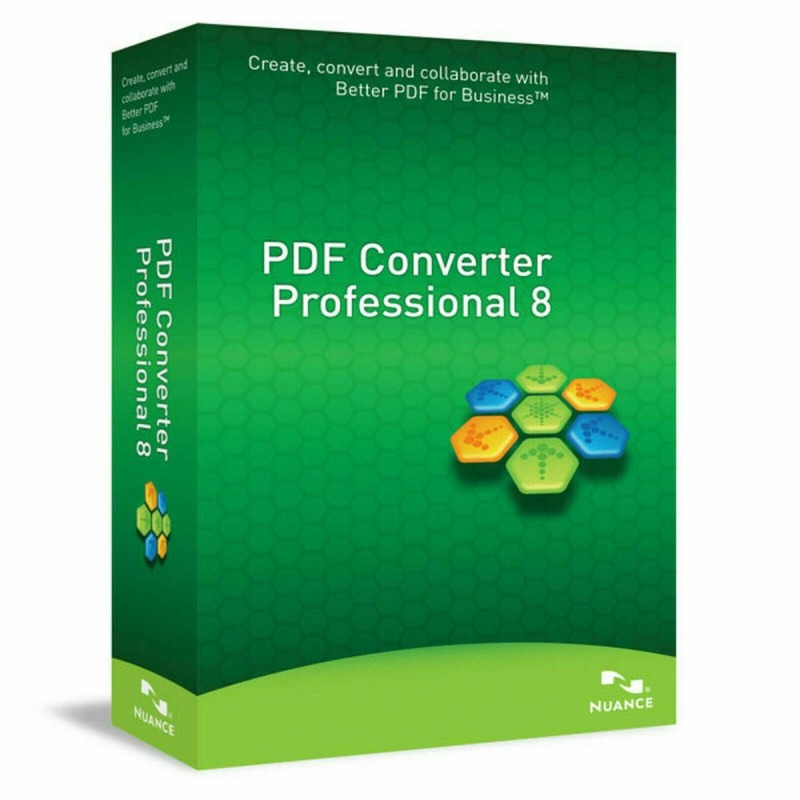
CREATE, CONVERT AND COLLABORATE WITH BETTER PDF FOR BUSINESS™ NUANCE PDF PROFESSIONAL 8
PDF Converter Professional 8 is smart yet simple-to-use software that lets business users improve the way they create, convert, securely share PDF files and collaborate. PDF Converter Professional allows you to make changes to PDF files with the fluidity, flexibility and interactivity of real word processing. In addition you can share, edit and discuss document changes using text or voice chat in real-time with multiple people. Plus you can have anywhere, anytime access to your documents using popular Cloud services such as PaperPort® Anywhere, Box, Google Docs, Microsoft Live SkyDrive, Evernote® and Dropbox. You also get exceptional scanning, PDF security, compressed PDFs and Dragon Notes, to dramatically improve business productivity.
Welcome to the Nuance Solutions Centre
Features of Nuance PDF Converter Professional:
Handy application for editing and converting the PDF files into many different file formats.
Allows you to read the PDF files.
Can easily combine and secure the files.
Got impressive integration with MS Office programs.
Can access the functions and menus easily.
Lets you listen to the content of your PDF files.
MORE CLOUD SERVICES
We’ve added more cloud connectors – so as well as working with Nuance Cloud Connector, PDF Converter Professional 8 works with Dropbox, Evernote, PaperPort Anywhere® and more. So you can work on your PDFs anytime, anywhere.
EASIER FORM DATA COLLECTION
Collating data from forms just got so much easier. You can now export data from single forms to formats such as XFDF, XML and TXT. Better still, you can batch export data from multiple forms with the same data field sets to XML and CSV files. So you can then view and work on them in Microsoft Excel or similar spreadsheet programs. If you regularly work with multiple forms data, this one feature alone could seriously boost your productivity.
CREATE SMALLER PDF FILES
There’s now a new Reduce File Size feature that you can use on any kind of PDF file – great for graphic-intensive files that clog up storage. To make things even easier, there’s the option to reduce the file size of multiple files in one go. Yet another way to help you save time and work more productively.
EMAIL ATTACHMENT PREVIEW
Sometimes it’s the seemingly ‘little’ things that make all the difference – like this new feature: you can now get an instant visual preview of PDF email attachments within Microsoft® Outlook® 2007 and 2010, without having to open them up first. Easy.
MORE WORKFLOW OPTIONS IN MICROSOFT OFFICE
You can now print directly to the PDF printer from Microsoft® Office applications. So, no need to save the file locally, it just opens up directly in PDF Converter Professional 8. And if you need to print more files and add more pages to different locations within the document, you can.